For salons, clinics, rentals, restaurants, and service businesses, bookings usually arrive through Messenger, texts, and phone calls. It works, but it depends on someone being available to reply. When a customer has to wait hours for an answer, many simply book somewhere else.
An online booking system lets customers see what is available and reserve on the spot, day or night, without waiting for a reply.
Why online booking wins more customers
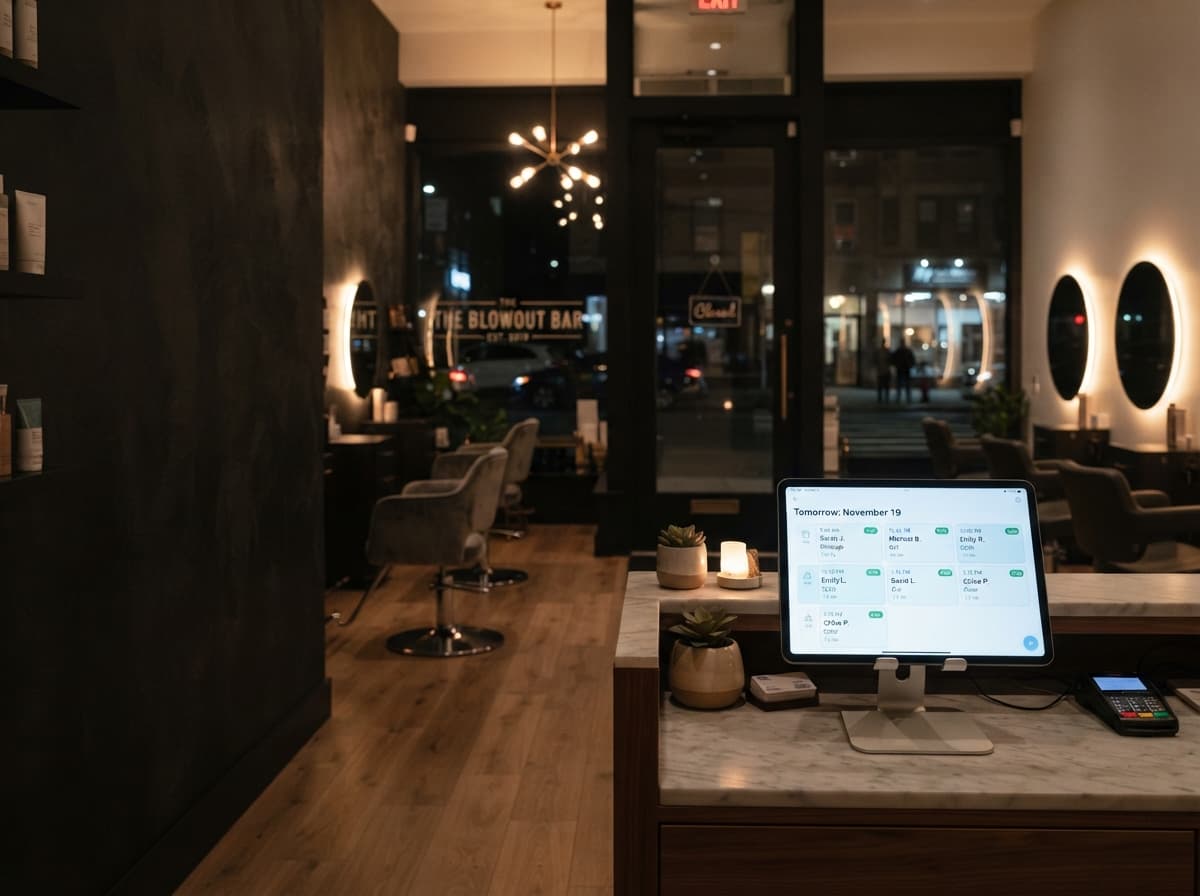
You are open for bookings 24/7
Many people plan their appointments late at night or during their commute. With online booking, those customers can reserve immediately instead of forgetting by morning.
No more back-and-forth
Instead of trading messages to find a time, customers pick an open slot themselves. Your staff stop acting as schedulers and get back to serving the people in front of them.
Fewer no-shows
Automatic confirmations and reminders by email or SMS keep appointments top of mind. Asking for a deposit or full payment when booking, through GCash, Maya, or card, makes customers far more likely to show up.
A more professional first impression
A clean booking page with clear services, prices, and availability tells customers your business is organized and easy to deal with, before they ever walk in.
Features worth having
- Real-time availability that prevents double bookings.
- Service, staff, or unit selection, with durations and prices.
- Online payments or deposits through local options like GCash and Maya.
- Automatic confirmations, reminders, and easy rescheduling.
- An admin view for your team to manage the day's schedule.
- Reports on busy hours, popular services, and cancellations.
Ready-made tool or a custom booking platform?
Ready-made booking apps are a good start for simple appointment scheduling. A custom platform is worth considering when you need rules that generic tools do not support, like multi-day rentals, deposits that vary by item, several branches, or tight integration with your inventory or website. It also means no per-booking fees and a booking page that looks like your brand.
Getting started
- List your services or units, their durations, prices, and any booking rules.
- Decide how customers should pay: in full, a deposit, or on arrival.
- Choose where booking lives, such as your website, a link in your social profiles, or both.
- Launch, share the link everywhere customers already reach you, and watch the messages drop.
The bottom line
Customers want to book the way they shop online: quickly, at any hour, and without waiting. An online booking system gives them that, while giving your team fewer messages, fewer no-shows, and a clear view of the schedule.